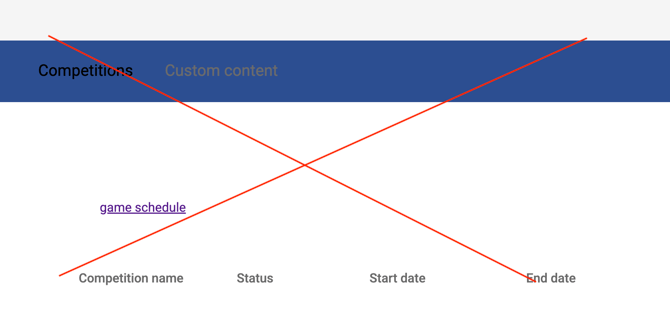
Make sure you’re logged in with the account that has admin access to the channel.
Then go to the team channel where you want to import the series.
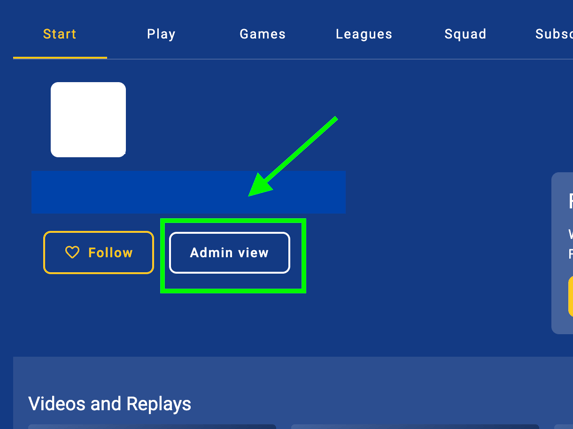
Press Admin view
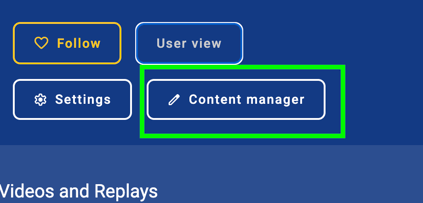
And then Content mangager
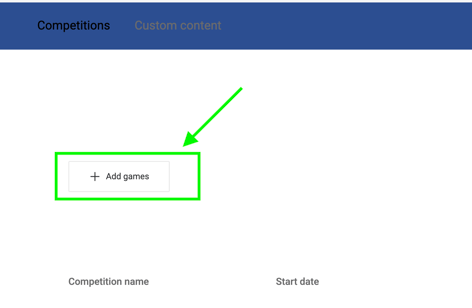
Then press Add games
Find the competition your team participates in and then press +Add
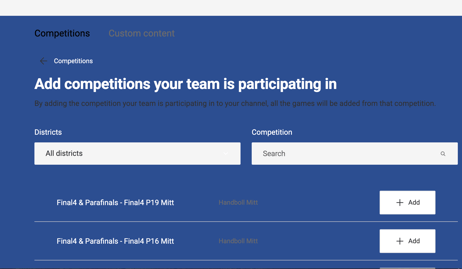
A dropdown menu will appear where you can find and select your team.
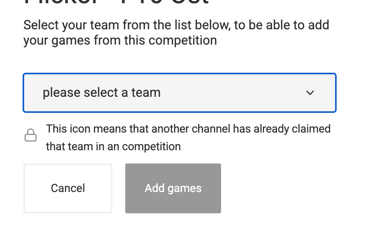
Once found your team, press Add games
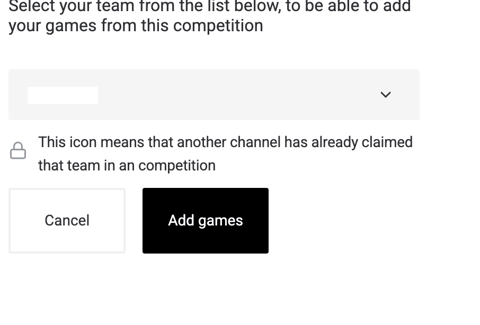
This will now appear, however due to the new platform update, some feautures have been removed, so i kindly ask you to follow this guide below now to activate your games to livestream.Guide: How to activate your livestreams with the temporary solution