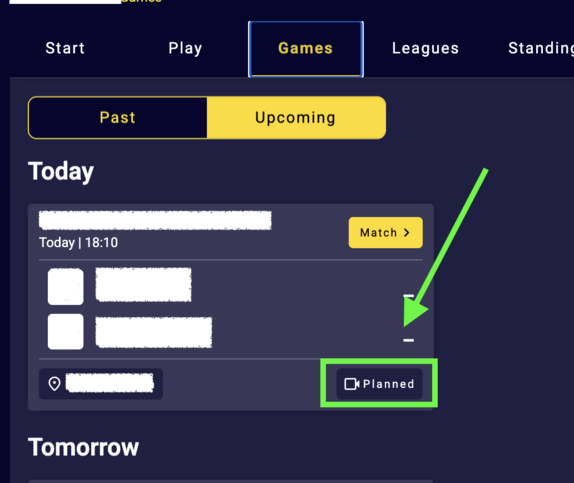
Start by going to the team channel containing the games you want to enable for livestreaming.
Make sure you’re logged in with an account that has admin access to the channel.
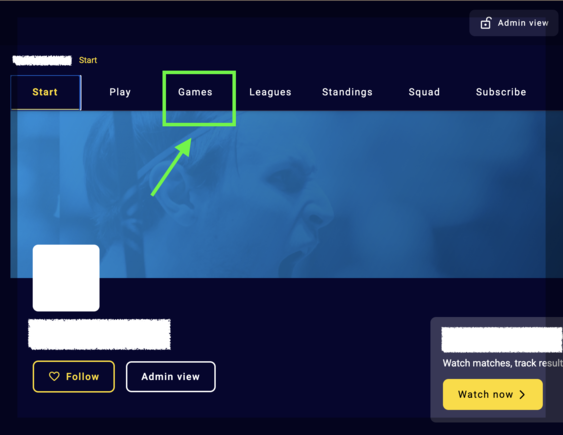
Then press Games
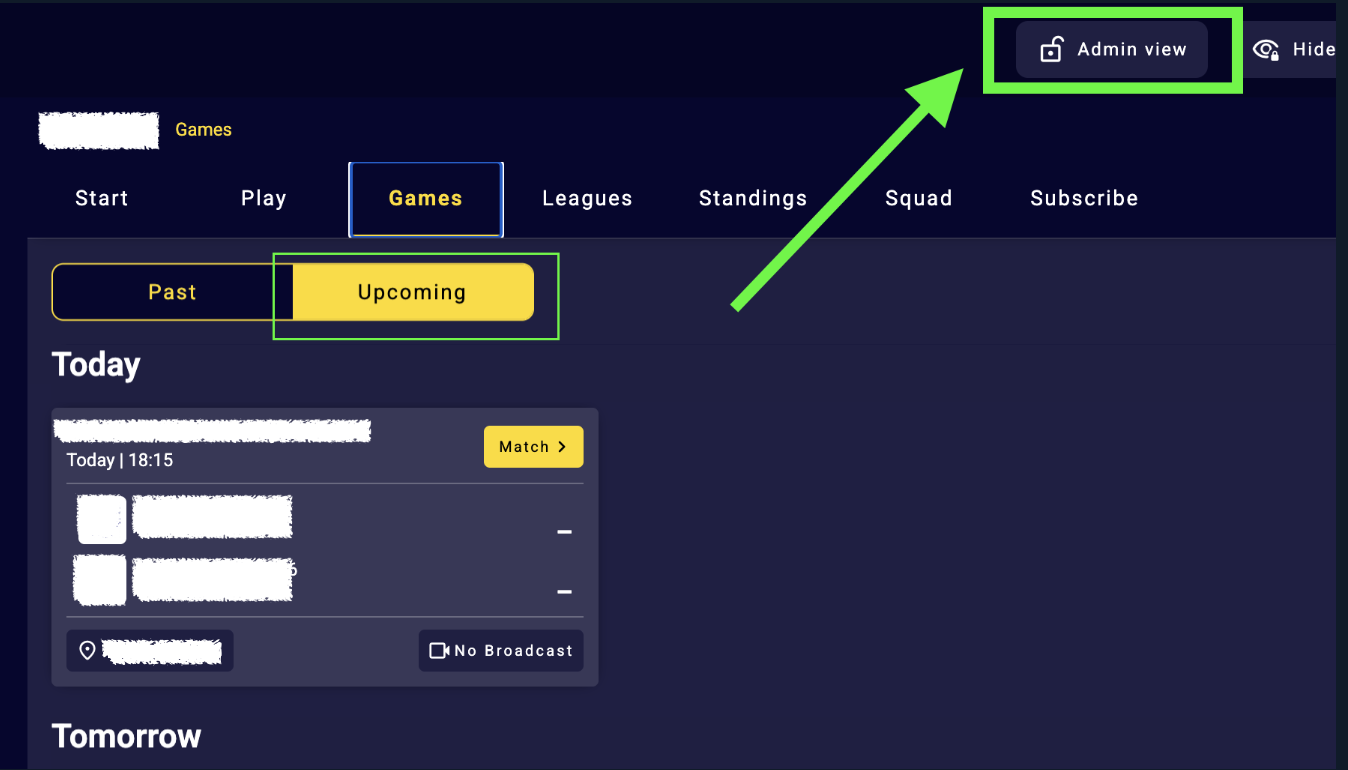
Now on the Games page press Admin view in the top to the right
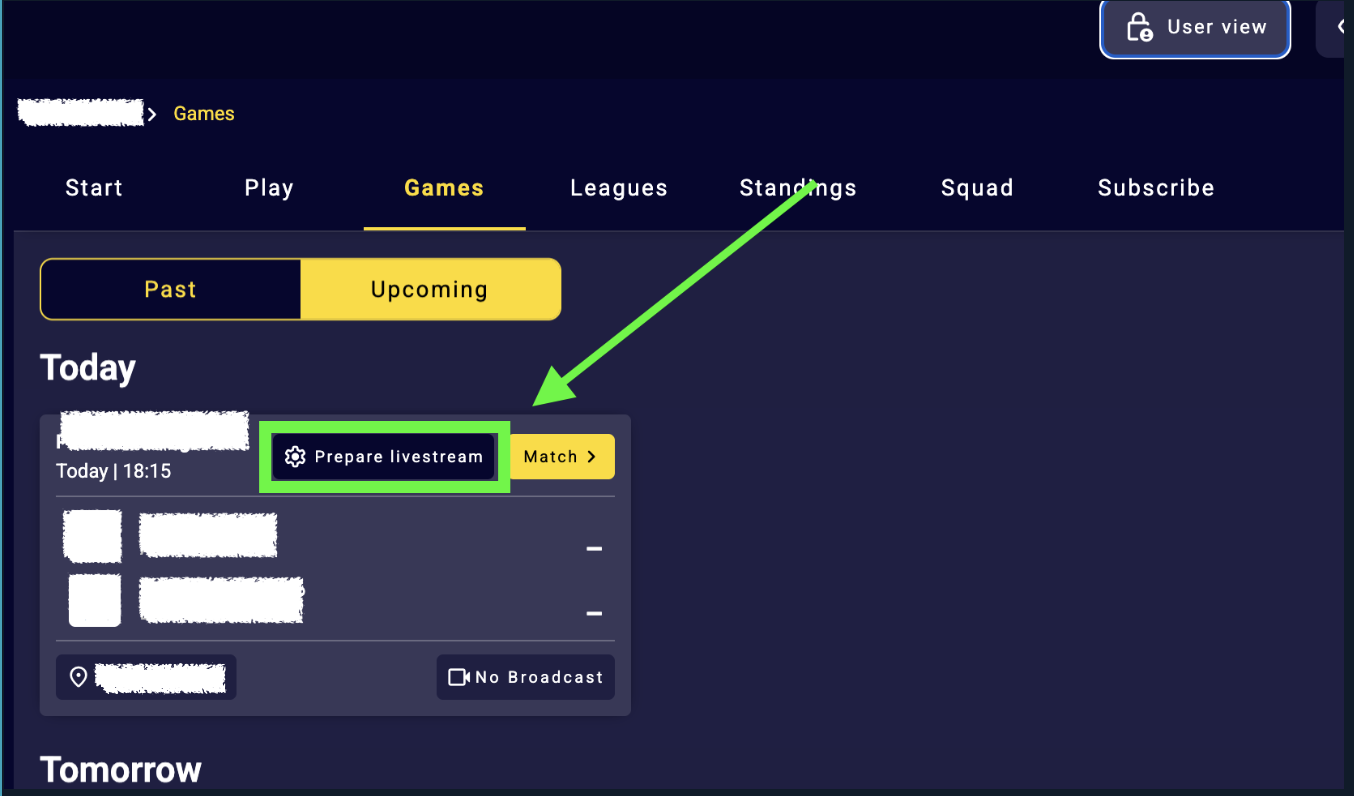
Now press Prepare livestream
This option is always available for your home games. For away games, it becomes available 24 hours before the game starts if the home team hasn’t activated the game, allowing you to livestream the away game as well.
When pressed Prepare livestream this will appear, then press Publish stream
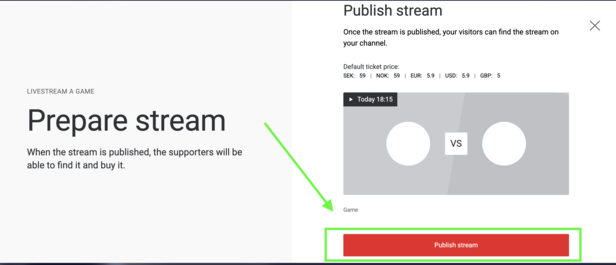
* If an error message appears, you can ignore it. The game will still be activated.
Please note that sometimes it might take a few minutes before the game is changed from No Broadcast to Planned.