
Uploading games to your channel, like a video/replay or just regualar content, very often takes a lot of time, and result in error.
However, the smoothest and fastest way to do so is by uploading the video by an FTP server.
To use FTP, the easiest way is to download the free program FileZilla

Start by going to your channel backend/adminpage
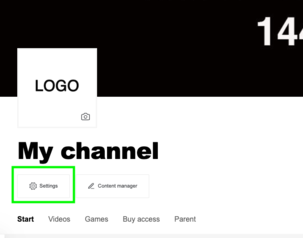
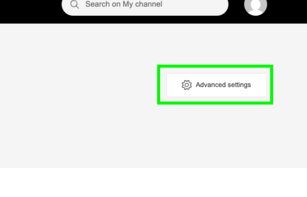
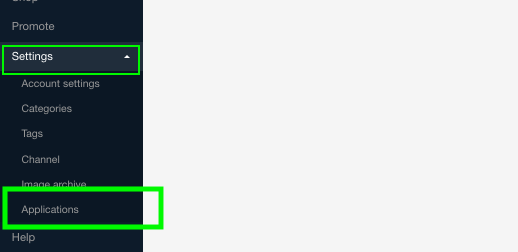
In the left side menu click Settings and Applications
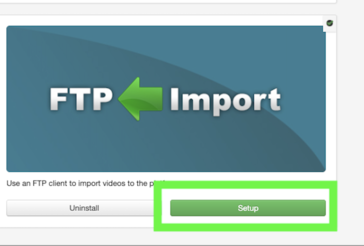
Choose FTP Import and Install
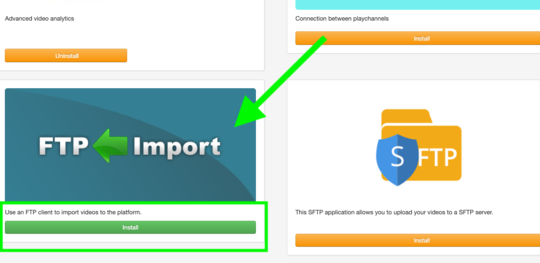
The click Set up
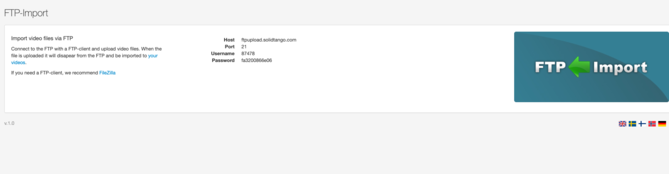
You will now have the information needed to upload with FileZilla
-Host
-Port
-Username
-Password
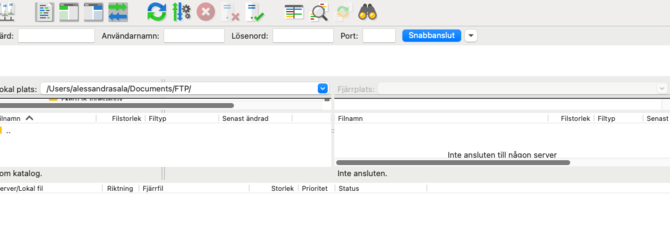
Select the video you want to upload from your computer and drag it into the right-hand window. The video will then start uploading.
When the video is finished to upload you will then find it under video on your channel backen/adminview
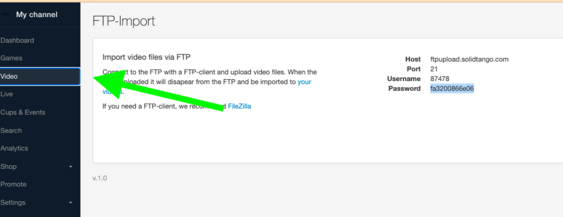
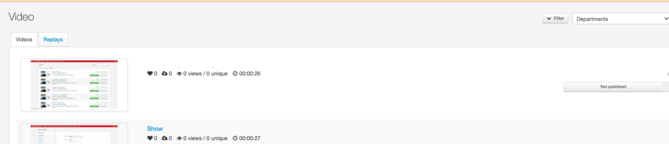
Please note that the uploaded game is available in your channel’s admin view but has not yet been published.
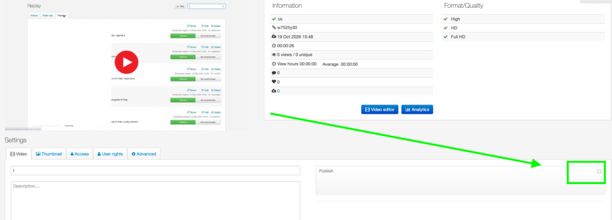
To publish the video, click it, select the Publish checkbox, and click Save.
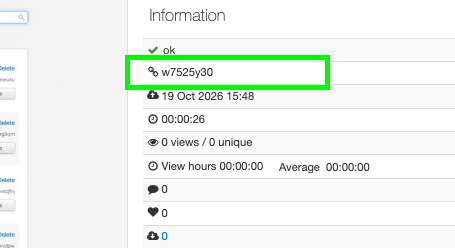
To use the uploaded video as a replay for a previous livestream, copy the uploaded video’s ID, then open the stream you want to add it to.
Go in to the stream 
The scroll down to Broadcast and Recordings and paste the video id (that you copied from the uploaded video) on the right and press Use as replay