
When you access the broadcast mode of the app before the match begins, a countdown timer will appear, displaying the time left until the broadcast starts for viewers. This countdown clearly indicates the exact moment the stream will go live.
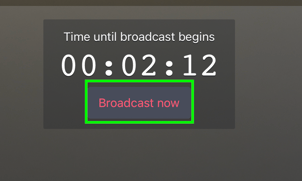
If the countdown timer is not visible, it means the broadcast is currently live. There is no need for any additional action on your part—your video will automatically go live as soon as the countdown reaches zero.
To start the broadcast earlier than scheduled, tap the Broadcast now button in the center of the screen.
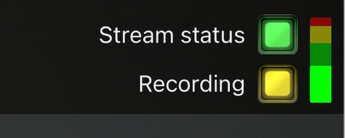
If you start the broadcast early, the recording button turns yellow — this is expected behaviour.
To add a score for the Away team, press the + button on the right side of the screen. For the Home team, press the "+" button on the left side. *If you accidentally add a score, simply tap the minus (-) button for the team that you wish to correct.
When broadcasting with an integration (such as Profixio or Ibis) that uses a separate system to report goals and events, scores and event data may not always display accurately in the Broadcaster app. You do not need to manually enter scores or report events — the integration updates this information automatically.
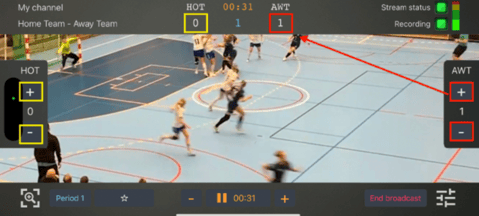
You can adjust the game period and time at the bottom of the screen, as shown in the picture above.
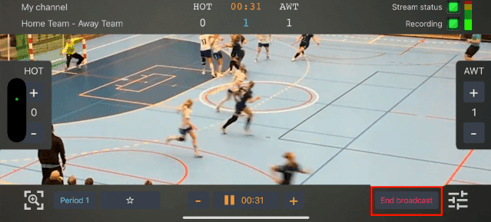
You can also end the broadcast from this area (see highlighted section above).