To be added please reach out to cs@solidsport.com
*Please observere that one account from a club is egilble to be added, so we recomend if you have a general account for everyone in need to have access to
Once you have been added to the league channel, this is the temporary way to access and download games while the update is being rolled out and some functions are still in progress:
1. Go to the league channel.
2. Press Admin View.
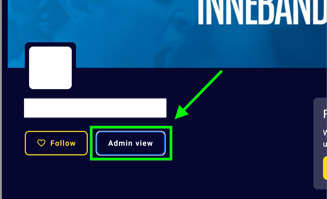
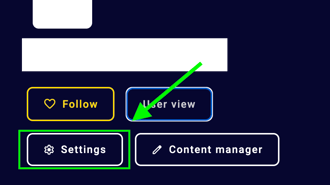
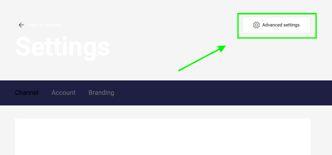
3. Then Settings> Advanced Settings.
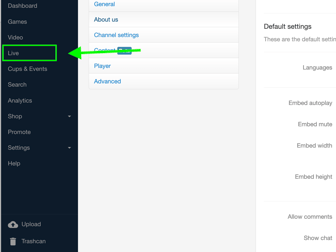
4. In the backend Admin View, click Live and then Replays.

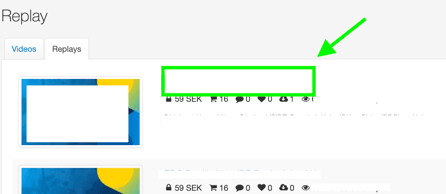
5. Find the game you want to download and open it.
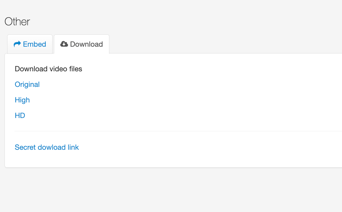
6. Scroll to the bottom of the page until you see the Download tab.
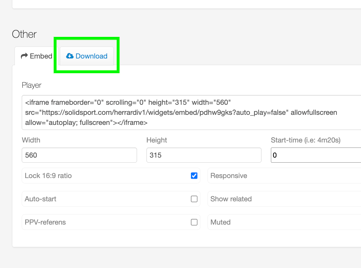
7. Click Download.