
First, make sure you are logged in with administrator access to the team channel you want to rename. The adminview option only appears if you are an administrator of that channel.
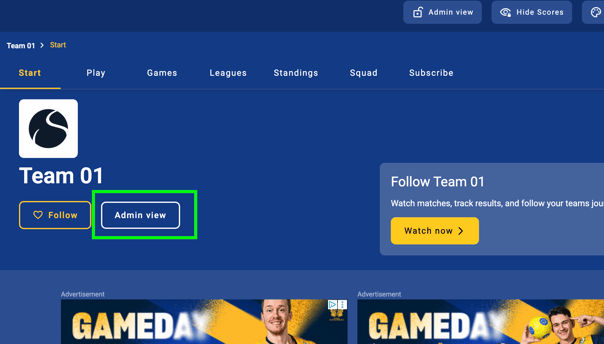
Then press Adminview on the start page of your channel.
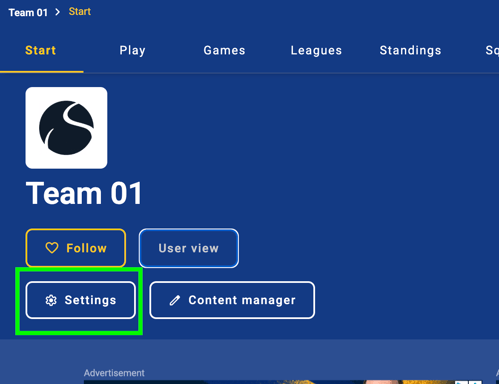
Then press settings
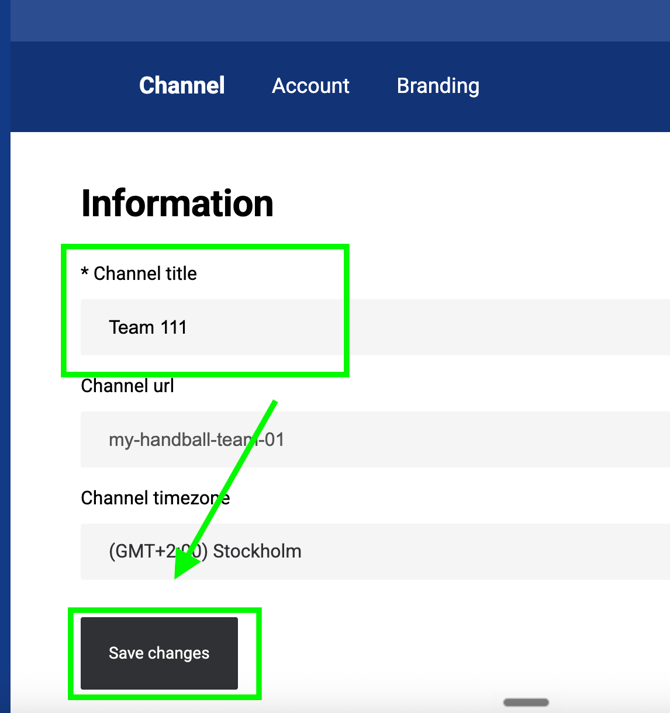
Under Channel title, change the name and then press Save changes
To ensure the new name appears consistently everywhere, you also need to update it in the account settings.
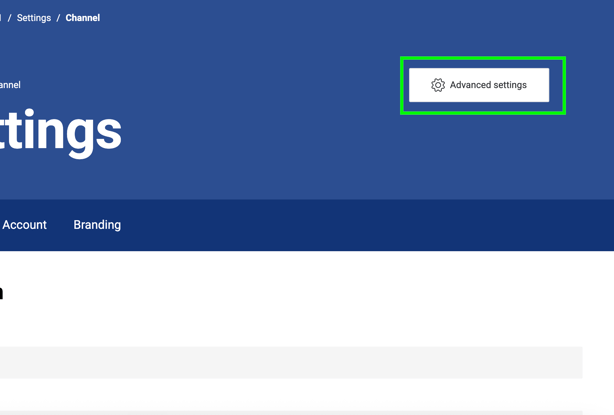
Press Advanced settings to come to the backend admin view of your channel
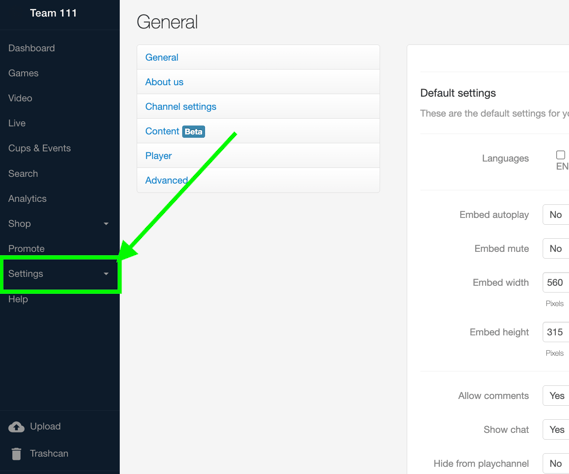
In the left admin panel press Settings
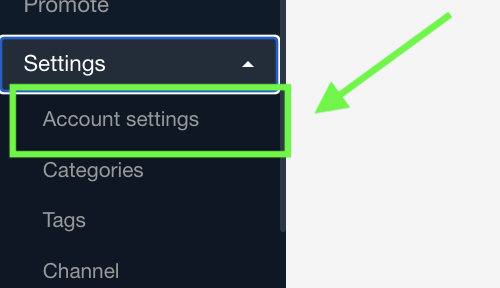
Then Account settings
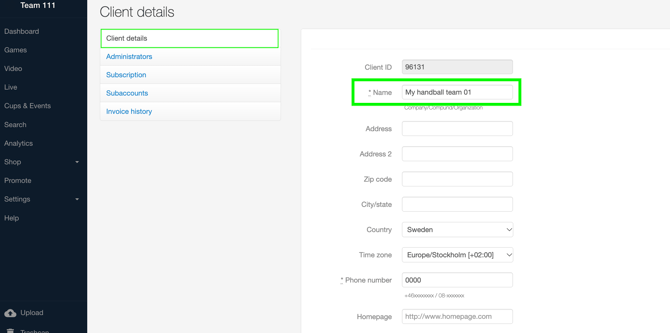
Under Client details, enter the same name you used for the Channel title. Then scroll down and click Save.
It may take a few minutes for the changes to appear.